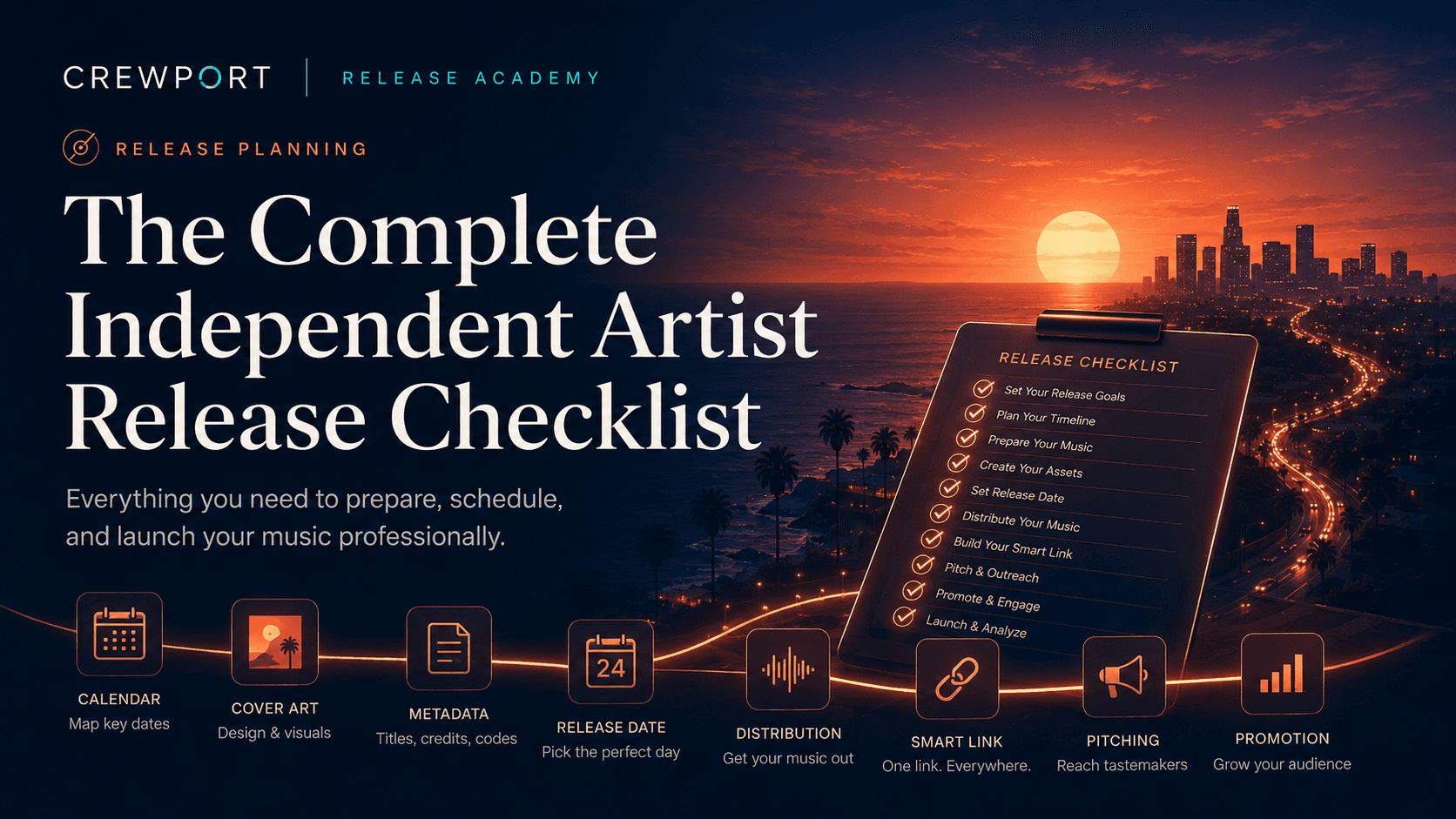
A release doesn't fail because the music is bad. It fails because something in the
process was skipped, rushed, or done in the wrong order. This checklist covers every
stage of a professional independent release — from the moment your master is finished
to the weeks after the track goes live.
Work through it in order. Every item here exists because someone learned the hard way
that skipping it costs time, money, or momentum.
Before you submit to distribution
Audio
- Master is finalized and approved — no further changes planned
- Audio file is WAV format, 44.1kHz minimum, 16-bit or 24-bit
- Loudness is optimized for streaming — target around –14 LUFS integrated
- No clipping, distortion, or encoding artifacts in the final file
- Explicit content is correctly identified if applicable
Cover art
- Dimensions are exactly 3000×3000 pixels
- Color space is RGB (not CMYK)
- File format is JPG or PNG
- No URLs, social media handles, pricing, or contact information in the artwork
- No third-party logos or trademarked imagery without clearance
- Image is high resolution with no visible compression artifacts
Metadata
- Track title is finalized — exact capitalization, no typos
- Primary artist name matches your registered profile on Spotify and Apple Music
- Featured artist names are correct and consistently formatted
- Songwriter credits include full legal names for all writers
- Producer credits are complete
- ISRC code is assigned — one per track
- UPC/EAN is assigned — one per release
- Genre and subgenre are selected
- Release language is set correctly
- Label name or self-release designation is filled in
- Copyright and publishing information is complete
- Explicit content flag matches the audio content
Rights
- You own or control all elements of the recording
- Any samples are cleared or the track contains no uncleared samples
- Cover song license is obtained if releasing a cover
- All featured artists have agreed to the release in writing
Distribution submission
- Release date is set — minimum 4 weeks out, 7 weeks if pitching Spotify editorial
- Release is submitted to distributor
- Spotify editorial pitch is submitted through Spotify for Artists
- Apple Music pitch is submitted if applicable
- Distributor has confirmed receipt and processing of submission
- Store-by-store delivery is tracked and confirmed before release date
Pre-release promotion
- Artist profiles are claimed and up to date on Spotify for Artists and
Apple Music for Artists - Pre-save link is created and tested
- Pre-save link is added to all bio links and link-in-bio pages
- Content calendar for release week is planned and assets are prepared
- Press release or one-sheet is drafted if reaching out to blogs or media
- Playlist pitching list is prepared for independent curators
- Pre-save campaign is live and being promoted across all channels
- Any paid promotion is planned and budgeted
Release week
- Release is confirmed live on all major platforms before promoting
- Release is confirmed live on TikTok and Instagram specifically
(these platforms take longer) - All social content for release day is scheduled or ready to post
- Smart link or landing page is live with links to all platforms
- Email list is notified
- Direct outreach to press, blogs, and curators is sent
- Engagement with comments and messages is active throughout the week
Post-release
- Streaming data is checked in Spotify for Artists and Apple Music for Artists
within the first 3–5 days - Save rate, skip rate, and listener-to-stream ratio are reviewed
- Follow-up content is live and continuing — do not go quiet after release day
- Independent playlist curators are being pitched using early performance data
- Press coverage or mentions are being shared across channels
- Any sync or licensing opportunities are being pursued if relevant
- Royalty reports are reviewed when they become available
- ISRC codes and metadata are documented and saved for your records
Common mistakes
- Finalizing the master after the release is already submitted — any change to the
audio file requires a new submission - Submitting cover art with a social media handle embedded — this is an automatic
rejection on most platforms - Not claiming your Spotify for Artists profile before release — you can't pitch
editorial without it - Skipping the post-release content phase because the track is already out
- Not saving your ISRC codes — you'll need them if you ever switch distributors
CrewPort workflow tip
Use this checklist before you submit, not after. The most expensive mistakes in
music distribution happen in the hours before an artist clicks submit — a wrong
artist name, an unchecked explicit flag, a cover art file that's 2999 pixels instead
of 3000. CrewPort runs a pre-submission check that catches the most common errors
automatically. But the metadata that only you know — songwriter credits, rights
confirmations, correct legal names — still requires your attention before anything
else happens.
FAQ
Do I need a new ISRC for every version of a track?
Yes, if the version is meaningfully different — a remix, an edit, a remaster, or a
radio version. The same unaltered recording can reuse its original ISRC across
multiple releases. When in doubt, assign a new one.
What cover art mistakes get releases rejected most often?
Wrong dimensions, CMYK color space instead of RGB, and embedded text — particularly
URLs and social handles. These three account for the majority of cover art rejections.
How do I claim my Spotify for Artists profile?
Go to artists.spotify.com and verify your identity through your distributor or directly
through Spotify's verification process. You need at least one release live or scheduled
on Spotify to claim a profile.
What is a one-sheet and do I need one?
A one-sheet is a single-page press document that summarizes your release — track
title, artist name, release date, genre, a short bio, and key talking points. It's
used when reaching out to blogs, playlist curators, and press. Not mandatory, but
it makes outreach significantly more professional.
How long should I actively promote a release?
At minimum, two to four weeks after release day. The algorithm continues to evaluate
engagement data for several weeks post-release. Artists who sustain promotional
activity through this window consistently outperform those who go quiet after day one.
What do I do if my release goes live with a metadata error?
Contact your distributor immediately. Document the error clearly. Corrections are
possible on most platforms but take time — sometimes weeks — to propagate. The
earlier you catch and report it, the less damage it does.
Last updated: May 2026
Want to manage your entire release checklist in one place — with metadata checks
built in before you submit?
Apply for Early Access →