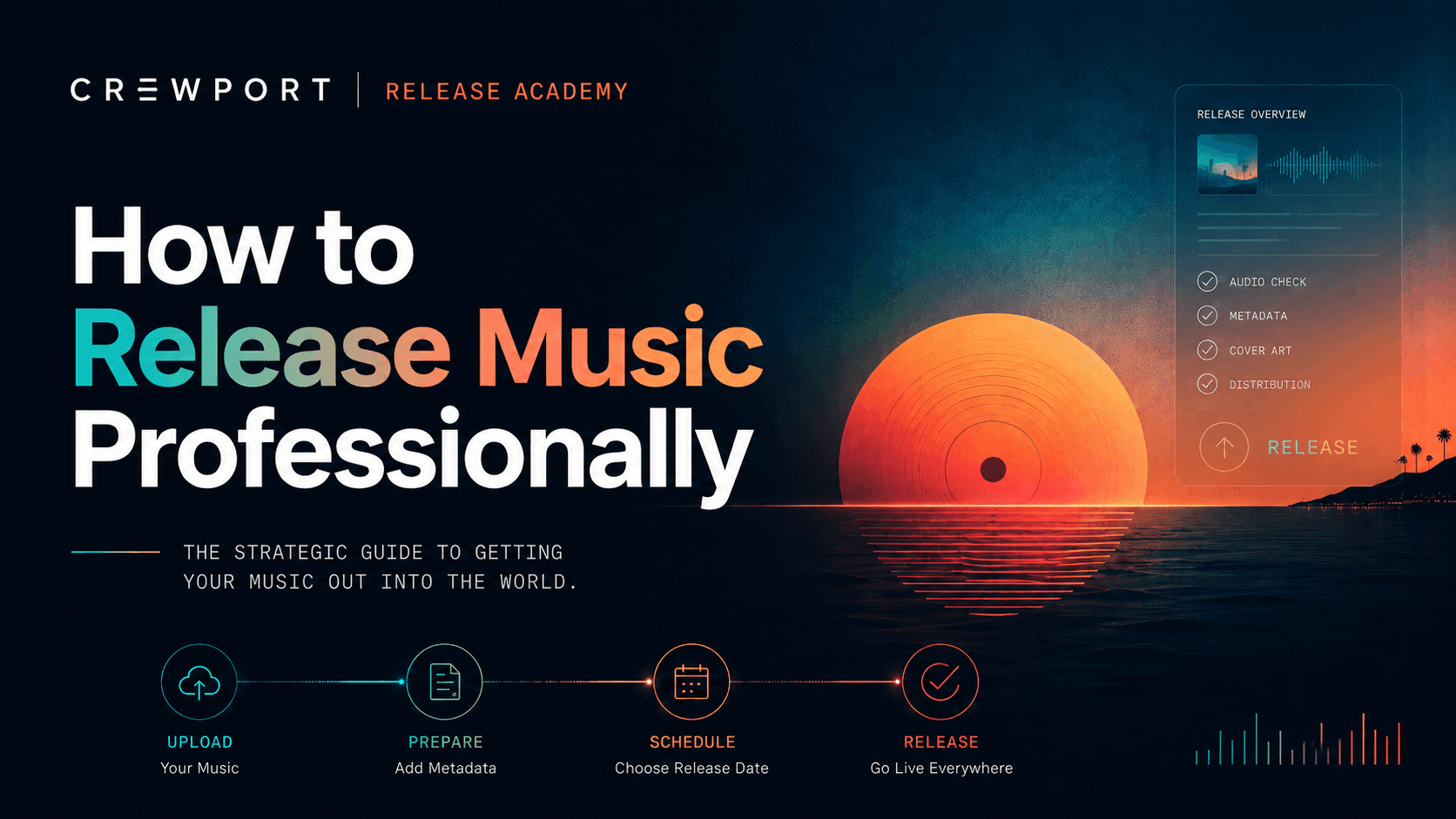
Most release problems start before the song ever reaches Spotify: unclear metadata, missing assets, rushed timelines, and no real plan. This guide helps you fix that before submission.
What this means
Releasing music professionally doesn't require a label or a budget. It requires a process — doing the right things in the right order, with the right information in the right fields.
The gap between an artist who gets traction and one who doesn't is rarely about talent. It's almost always about preparation.
Why it matters
The first 7–14 days after a release goes live are the most important window you have. Streaming algorithms measure early engagement to decide whether to push your music further. Playlist curators look at save rates and listener ratios. Press and blogs move on quickly.
If your release goes live with incorrect metadata, no pre-save campaign, and no content plan, that window closes quietly — and it doesn't reopen.
How to do it: step by step
1. Set your release date first — then work backwards
Pick the date before you do anything else. Everything else flows from it as a deadline.
- 8 weeks out: Finalize your master, cover art, and all metadata
- 6–7 weeks out: Submit to your distributor; pitch Spotify editorial
- 4–6 weeks out: Set up your pre-save link; begin teaser content
- 2–4 weeks out: Press outreach, playlist pitching, content rollout
- Release week: Full push — posts, stories, direct fan outreach
- 2–4 weeks after: Follow-up content; pitch curators using early streaming data
2. Lock your metadata before you upload anything
Metadata is invisible to listeners and absolutely critical to your income. Before you upload, lock down:
- Track title — exact capitalization, exactly as it should appear on every platform
- Primary and featured artists — matching your registered profiles on Spotify, Apple Music, etc.
- ISRC code — one per track; your distributor assigns these if you don't already have them
- UPC/EAN — one per release
- Songwriter and producer credits — full legal names, not stage names
- Label and publishing information — even if you're self-releasing, this field must be filled
One typo in an artist name can create a duplicate profile on Spotify that takes weeks to fix.
3. Master for streaming
Streaming platforms normalize loudness. A heavily brick-walled master doesn't sound louder than everyone else — it just loses dynamics. Most platforms target around –14 LUFS integrated loudness. Ask your engineer for a streaming master specifically.
4. Build a pre-save campaign before you go live
A pre-save converts passive interest into day-one streams and library saves — which directly influence algorithmic placement in the first week. Set it up at least two weeks before release and push it across every channel: bio links, stories, email list, DMs to fans who've asked about new music.
5. Pitch editorial through the official channels
Spotify for Artists and Apple Music's submission tool give you direct access to editorial teams for free. Write the pitch like a human: what the track is about, what influenced it, mood, tempo, genre, context. "Late-night R&B, 88 BPM, influenced by Frank Ocean and Sade" is more useful to a curator than "this song comes from a personal place."
6. Confirm delivery before you start promoting
Before you start your main push, verify the release is actually live on every store — not just submitted. A track blocked in one territory because of an unresolved rights flag is a problem you don't want to discover from a fan.
CrewPort shows delivery status store by store before your release date, and flags metadata issues before submission — not after.
7. Keep posting after release day
Most artists pour everything into release week and then go quiet. The algorithm reads that silence as a signal the cycle is over. The first two weeks post-release are when engagement data shapes recommendations. Keep posting. React to comments. Share playlist adds and saves. If you get a write-up or a blog mention, share it — social proof compounds.
8. Read your data and use it
Saves-to-streams ratio, skip rate, listener-to-stream ratio — these are the signals that reveal whether people are discovering the track and actually choosing to come back to it. Check Spotify for Artists and Apple Music for Artists within the first few days of release. Let the numbers shape what you do next.
Common mistakes
- Submitting too close to the release date and missing the Spotify editorial window
- Inconsistent artist name across platforms and metadata fields
- Missing songwriter or producer credits on submission
- No pre-save link, or one set up too late to build any momentum
- Going quiet after release day instead of sustaining the push
- Starting promotion before confirming the release is live on every store
CrewPort workflow tip
Before submitting, run a quick asset check: track title, artist names, ISRC, UPC, cover art dimensions, and audio file format all need to match across every field. Mismatched assets are one of the most common reasons releases get delayed at the delivery stage. CrewPort checks these automatically before your release leaves the platform.
FAQ
How early should I submit my release to a distributor? At least seven weeks before your release date if you want to pitch Spotify editorial. Most distributors process releases in 2–5 business days, but the editorial pitch window is separate and stricter.
What happens if I have a metadata error after submission? Corrections are possible but slow. Some changes — like an artist name — can take weeks to propagate across platforms. Fix metadata before you submit.
Do I need a label to release music professionally? No. You need a process. A distributor, a timeline, correct metadata, and a promotion plan are everything you need to run a professional independent release.
What is an ISRC and do I need one? An ISRC is a unique identifier for a specific sound recording. You need one per track. Without it, your royalties can't be tracked correctly across platforms.
Does release day matter for algorithm performance? Friday releases align with New Music Friday editorial playlists and the weekly algorithmic reset on most platforms. It's not mandatory, but it's the industry standard for a reason.
How do I know if my release is actually live everywhere? Check each store individually, or use a distributor that shows you store-by-store delivery status. Don't start your main promotional push until you've confirmed it.
What should I do if my release gets rejected? Read the rejection reason — it's almost always metadata or asset-related. Fix the specific issue, resubmit, and contact your distributor's support if the reason isn't clear.
Last updated: May 2026
Ready to run a cleaner release from the start? CrewPort is built around the full release workflow — metadata checks, delivery tracking, pre-saves, and smart links in one place. Apply for Early Access →