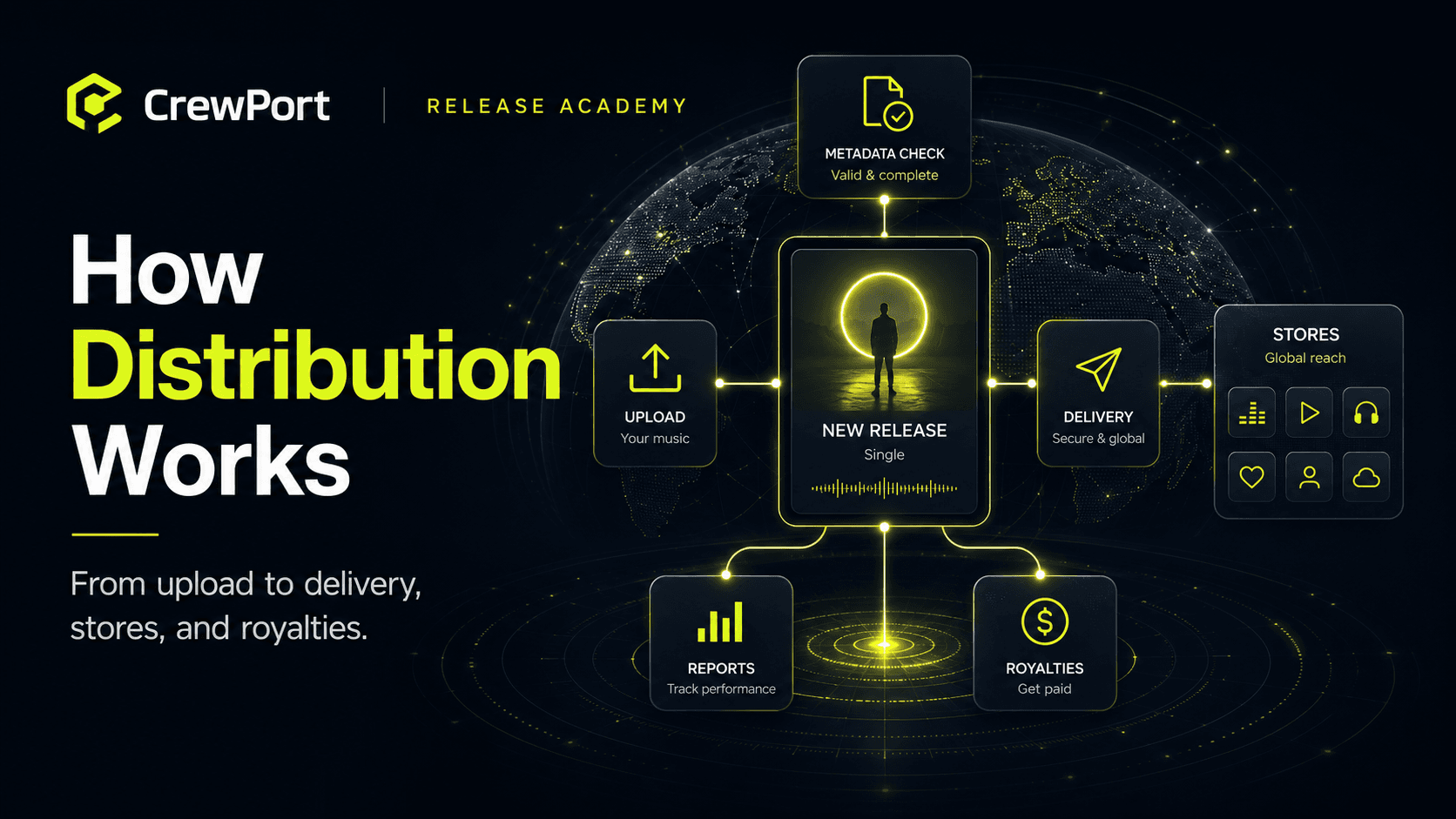
Understanding how music distribution works isn't just background knowledge — it's the
difference between a release that lands cleanly and one that gets delayed, rejected, or
quietly broken somewhere in the delivery chain.
Here's what actually happens between the moment you finish a track and the moment
a listener hits play on Spotify.
Step 1: You prepare your release
Before anything moves, you need three things ready:
- Your audio file — typically a WAV at 44.1kHz / 16-bit minimum, though most
distributors now accept 24-bit. MP3s are generally not accepted for distribution. - Your cover art — 3000×3000 pixels, RGB color space, JPG or PNG. Most rejections
at this stage come from wrong dimensions or embedded text that violates platform rules. - Your metadata — track title, artist name, featured artists, songwriter and producer
credits, ISRC code, UPC, genre, release date, language, and label or self-release
information.
The metadata is where most problems originate. A misspelled artist name, a missing
credit, or an ISRC code applied to the wrong track — these errors don't always surface
immediately. Sometimes they surface months later as a royalty discrepancy or a duplicate
artist profile.
Step 2: You upload to your distributor
Once your assets are ready, you upload them to your distribution platform. The distributor
runs its own checks — some automated, some manual — to catch obvious errors before
sending anything downstream.
What gets checked at this stage varies by distributor. Some flag cover art dimensions
and explicit content markers. Some check audio loudness and format. Some check very
little and pass the problem downstream to the platform, which means you find out about
the rejection later.
CrewPort checks metadata completeness and consistency before submission — so if your
artist name doesn't match your registered Spotify profile, or your ISRC is missing, you
see it in your dashboard before the release goes anywhere.
Step 3: The distributor delivers to each platform
Your distributor sends your release to each DSP (digital streaming platform) through
licensed delivery agreements. This is not a single upload to one place — it's a separate
delivery to each platform, formatted to that platform's specific technical requirements.
Spotify has different delivery specs than Apple Music. TikTok has different requirements
than Amazon Music. Your distributor handles the translation between your single upload
and each platform's intake system.
Delivery timelines vary:
- Spotify and Apple Music: typically 2–5 business days
- TikTok and Instagram: can take up to 7–10 business days
- Smaller platforms: anywhere from 1 day to several weeks
This is why submitting at least 3–4 weeks before your release date matters — and why
7 weeks is the minimum if you want to pitch Spotify editorial.
Step 4: The platform reviews and publishes
Each platform runs its own review process after receiving your release. This includes
checking for rights conflicts, duplicate recordings, cover art violations, and metadata
consistency with their own catalog.
If the platform finds an issue, it rejects the release and sends a reason back to your
distributor. Common rejection reasons:
- Cover art contains a URL, social media handle, or pricing information
- Artist name conflicts with an existing profile on the platform
- Audio quality below minimum spec
- Rights conflict — another distributor has already claimed the same ISRC
If the review passes, the platform schedules the release for your chosen release date
and the track goes live.
Step 5: Streams generate royalties
Every time someone plays your track on a streaming platform, a royalty is generated.
The platform calculates this based on its own payment model — which varies by platform,
territory, subscription tier, and whether the stream was ad-supported or paid.
The platform pays these royalties to your distributor, not directly to you. The distributor
aggregates all royalty payments across all platforms and pays you according to your
agreement — usually on a monthly or quarterly basis, with a reporting lag of 1–3 months
after the streams actually happened.
This is why royalties always arrive later than the streams that generated them. It's not
a delay on your distributor's part — it's the reporting cycle built into how platforms pay.
Step 6: You get paid and review your reports
Your distributor's dashboard shows you streaming data and royalty reports broken down
by platform, territory, and time period. How detailed these reports are depends on the
distributor.
At minimum you should be able to see:
- Streams per platform
- Royalties earned per platform
- Territory breakdown
- Which release or track the royalties came from
If you can't read your royalty report clearly, that's a problem worth taking seriously.
Transparent reporting is one of the most important things to look for in a distributor.
What can go wrong
Distribution looks straightforward until something breaks. The most common failure
points:
- Metadata errors caught late — a wrong artist name creates a duplicate profile
that takes weeks to fix across platforms - Rights conflicts — if someone else has claimed your ISRC, your release can be
blocked or monetized by a third party - Delivery failures to specific stores — a release can be live on Spotify but
missing from Amazon Music or TikTok if a store-level delivery failed silently - Royalty calculation discrepancies — streams that appear in one report but not
another, or royalties that don't match expected amounts - Takedown delays — if you need to remove a release, the speed and reliability
of that process varies significantly by distributor
The best way to avoid most of these is to get the metadata right before submission
and use a distributor that shows you store-by-store delivery status — so you know
the release is actually live everywhere before you start promoting it.
Common mistakes
- Uploading an MP3 instead of a WAV
- Using incorrect cover art dimensions or embedding a URL in the artwork
- Submitting too close to the release date and missing editorial pitch windows
- Assuming the release is live everywhere because it's live on Spotify
- Not checking royalty reports regularly — errors and discrepancies don't fix themselves
CrewPort workflow tip
After your release is submitted, don't assume delivery is complete. Check your
store-by-store delivery status before you begin any promotional activity. A release
that's missing from TikTok or Instagram on day one — while you're actively directing
people to it — is a problem that costs you real momentum. CrewPort shows delivery
status per store so you can confirm everything is live before your campaign starts.
FAQ
Why is my release live on Spotify but not on Apple Music?
Platforms process deliveries independently. A release can go live on one platform before
others. If Apple Music is taking longer than expected, check your distributor's delivery
status — there may be a platform-level review delay or a metadata issue specific to that
store.
Why are my royalties lower than I expected?
Streaming royalty rates vary significantly by platform, territory, and listener subscription
type. A stream from a free, ad-supported account pays less than a stream from a premium
subscriber. A stream from a lower-income territory pays less than one from the US or
Western Europe. This is built into how DSPs calculate payouts — not a distributor markup.
Can I change my release date after submitting?
Usually yes, but it depends on how far along the delivery is. Contact your distributor
as early as possible if you need to change a release date.
What happens if my release is rejected by a platform?
Your distributor should notify you with the rejection reason. Fix the specific issue —
usually metadata or cover art — and resubmit. Most rejections are correctable.
How do I know if my ISRC codes are registered correctly?
Your distributor should confirm ISRC assignment when you submit. You can also check
your ISRCs against the ISRC search tool at IFPI.org to verify they're registered to your
recordings.
Do all platforms pay royalties at the same rate?
No. Spotify, Apple Music, Amazon, Tidal, and other platforms each use their own royalty
calculation model. Tidal and Apple Music generally pay higher per-stream rates than
Spotify. Ad-supported tiers on any platform pay significantly less than paid subscriptions.
Last updated: May 2026
Want to see exactly where your release stands at every stage of delivery?
Apply for Early Access →